SwitchBot integration
Remote control of SwitchBot devices for secure guest access
What does the SwitchBot integration offer?
Remote access control
Control your SwitchBot devices at the push of a button via Linkcheckin. Ideal for guest access and automation.
Secure and reliable control
SwitchBot devices offer secure wireless control for a wide range of scenarios.
SwitchBot Geräte
Prepare SwitchBot account
Create a SwitchBot account and connect your devices.
- Download the SwitchBot app and create an account
- Insert your SwitchBot devices into the app
- Make sure the devices are online
Generate API credentials
Create API token and secret for Linkcheckin.
- Open the SwitchBot app and go to Profile
- Select Settings → App version → Developer options
- Generate your API token and API secret
Enter credentials in Linkcheckin
Add your API credentials in Linkcheckin.
- Go to Integrations → SwitchBot
- Click "Connect SwitchBot"
- Enter token and secret and confirm
Assign devices & test
Assign SwitchBot devices to your properties and test the functionality.
- Create a guest access with a SwitchBot device
- Run a test control process
- Check the functionality in the guest app
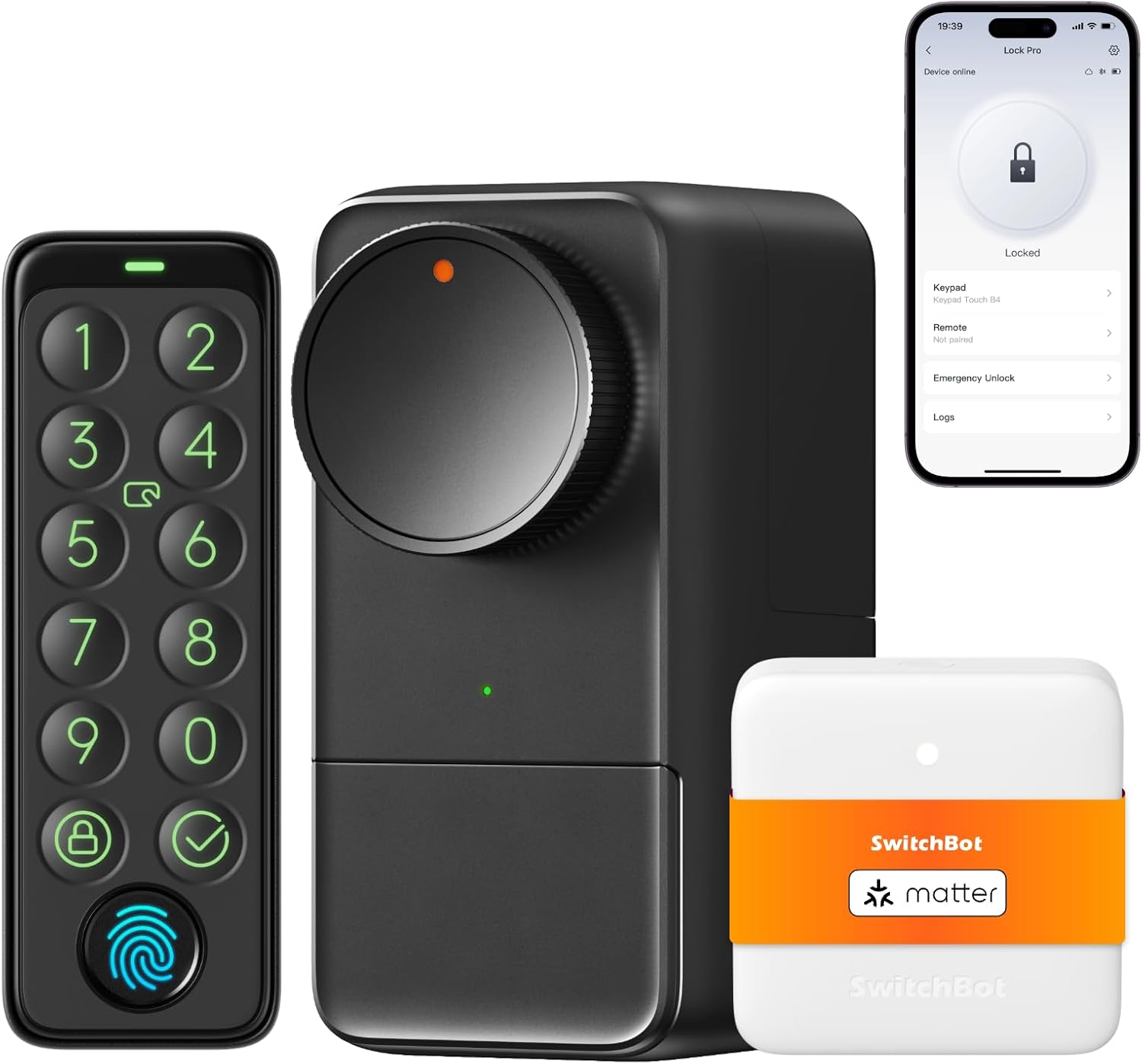
Extensive device support
SwitchBot supports a wide range of smart home devices such as door openers, lights, plugs, and more.
Transparency notice: This is an affiliate link
We receive a small fee if you buy this link. There are no additional costs for you.
Frequently asked questions
Which SwitchBot devices are supported?
Linkcheckin supports all SwitchBot devices that can be controlled via the API, including Bot, Plug, Meter, Curtain and more.
How secure are the API credentials?
Your API credentials are stored encrypted in the database and are only required for communication with SwitchBot.
Can I connect multiple SwitchBot accounts?
Currently, Linkcheckin supports one SwitchBot account per user. You can change the account later.
What happens if a SwitchBot device is offline?
If a device is offline, control commands cannot be executed. The device must be online to be controlled.
Ready for the SwitchBot integration?
Connect your SwitchBot devices to Linkcheckin now and automate your guest access.
Connect SwitchBot now