Ring integration
Remote door opening with Ring Intercom for simple guest access
What does the Ring integration offer?
No unattended key delivery or key box at the building
No worry about physical keys or key boxes. Access control is digital via link.
Easy installation
Install the Ring Intercom directly to the window in your house.
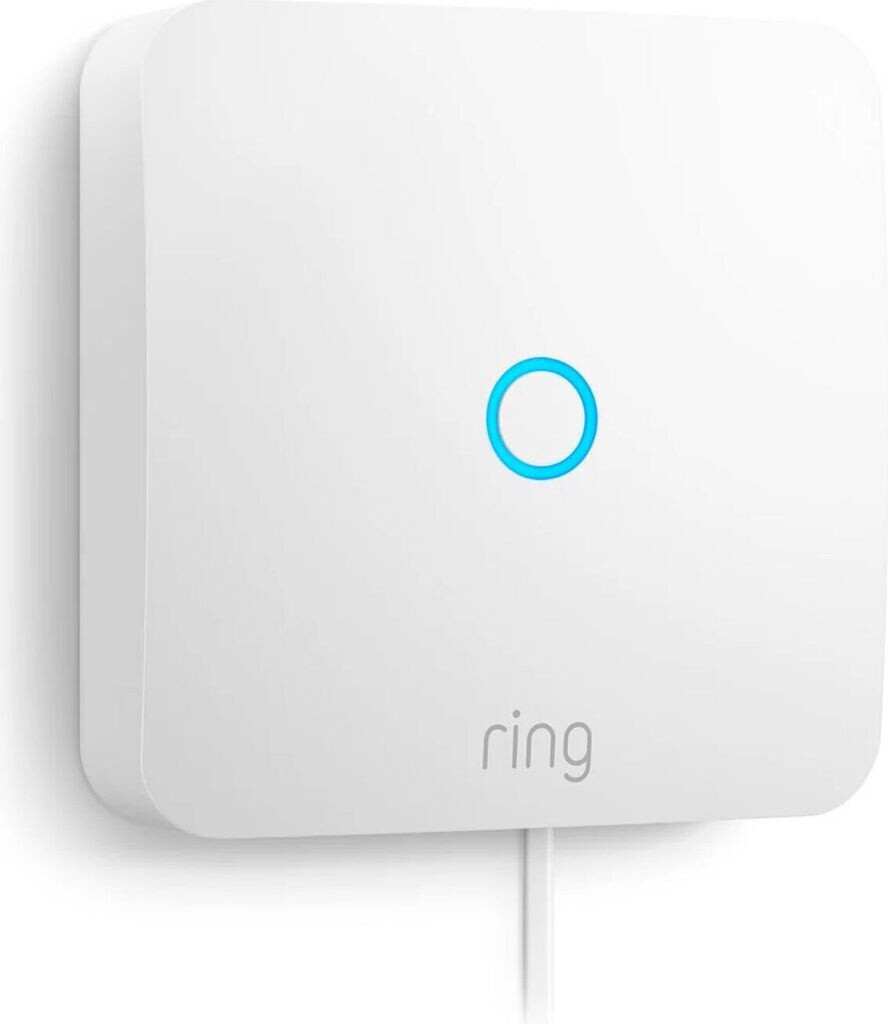
Ring Intercom
Prepare Ring account
Make sure your Ring Intercom device is correctly configured in the Ring app.
- Set up Ring device in the Ring App
- Check internet connection
- Firmware up to date
Establish OAuth connection
Authorize Linkcheckin for access to your Ring account.
- Click "Ring connect" in the dashboard
- Log in with your Ring login data
- Confirm the Ring access data with the confirmation code
Assign devices
Assign Ring devices to your apartments.
- Select the Ring devices to use
- Assign them to the corresponding apartments, if any
Test & activate
Test the connection and activate the integration.
- Create a guest access usage with a Ring Intercom device
- Run a test door opening process
- Check the Ring Intercom functionality
Compatible with doorbells
Back-up and immediate access to convenient home speakers.
Wi-Fi & Alexa integration
Control via Wi-Fi and voice commands with Amazon Alexa.
Transparency notice: This is an affiliate link
We receive a small fee if you buy this link. There are no additional costs for you.
Frequently asked questions & solutions
Connection failed
Check your Ring device's internet connection and authentication.
- Check the Wi-Fi connection of the Ring device
- Check Ring App status
Door opening doesn't work
Make sure you are using a compatible Ring Intercom.
- Check if it's a Ring Intercom
- Update Ring device firmware
Ready for the Ring integration?
Connect your Ring devices now with Linkcheckin and automate your guest access.
Connect Ring now