Nuki integration
Keyless access control with Nuki Smart Locks for secure guest access
What does the Nuki integration offer?
Keyless access control
Open your doors via digital link without handing out physical keys. Perfect for short-term rentals.
Secure smart lock technology
Nuki Smart Locks combine maximum security with user-friendly operation.
Nuki Smart Lock
Prepare Nuki account
Create a Nuki account and register your smart locks.
- Visit web.nuki.io and create an account
- Insert your Nuki Smart Lock into the app
- Make sure the device is online
Generate API token
Create a web API token for Linkcheckin.
- Sign in at web.nuki.io
- Go to Menu → API → Create API token
- Copy the generated token
Enter the token in Linkcheckin
Add your Nuki API token in Linkcheckin.
- Go to Integrations → Nuki
- Click "Connect Nuki"
- Enter your API token and confirm
Assign devices & test
Assign Nuki Smart Locks to your properties and test the functionality.
- Create a guest access with a Nuki Smart Lock
- Run a test door opening process
- Check the functionality in the guest app
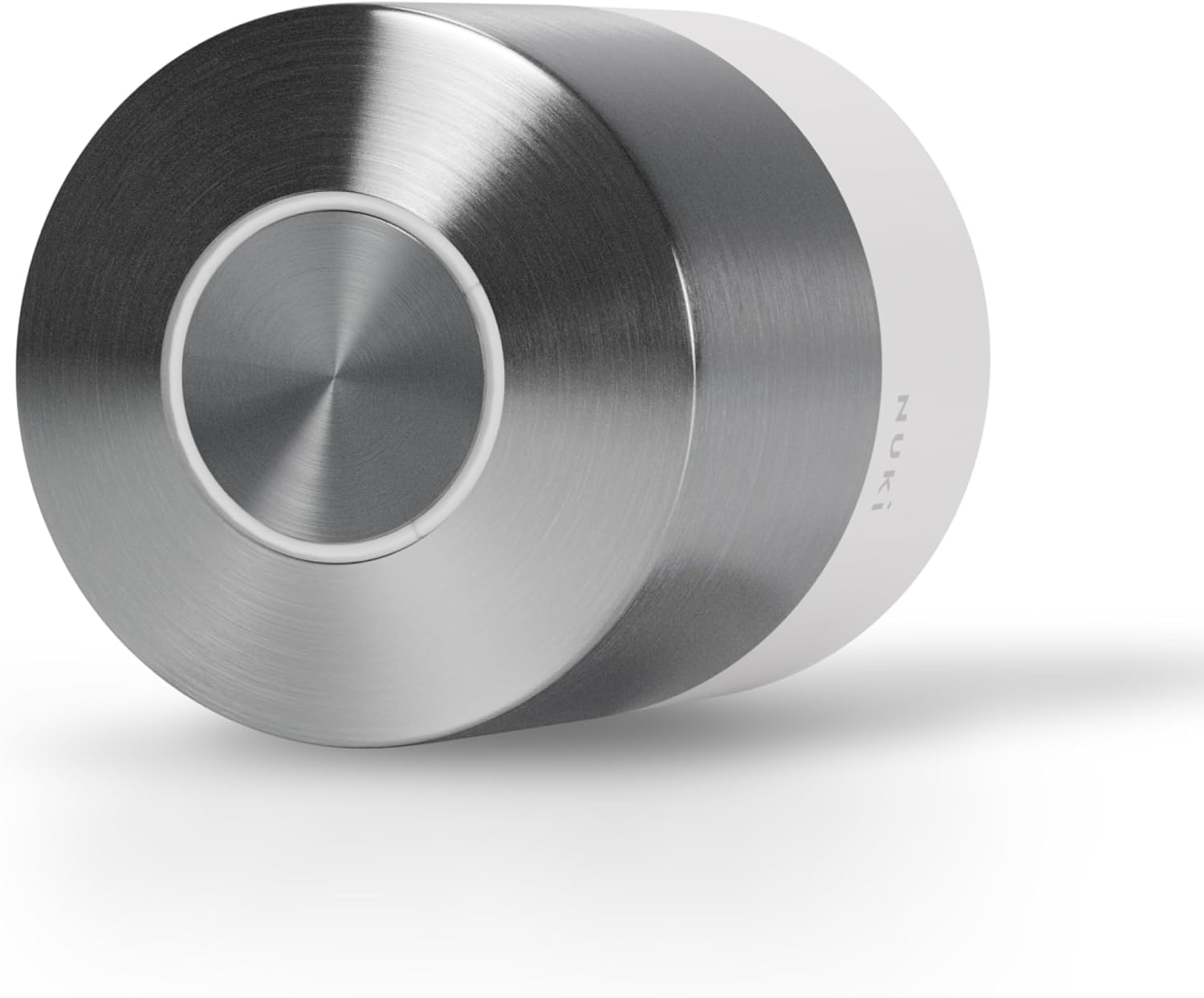
Compatible with existing locks
Mounted on the outside of the existing lock – no modifications required.
Battery powered & Wi‑Fi
Long-lasting battery with up to 12 months of battery life and Wi‑Fi connectivity.
Transparency notice: This is an affiliate link
We receive a small fee if you buy this link. There are no additional costs for you.
Frequently asked questions
How secure are Nuki Smart Locks?
Nuki Smart Locks use encryption and are certified according to European security standards. The lock remains fully functional even without internet.
How much does a Nuki Smart Lock cost?
Nuki Smart Locks cost between €100 and €300 depending on the model. You also need a Nuki Bridge for Wi‑Fi connectivity (around €50).
Can I use multiple Nuki Smart Locks?
Yes, you can register multiple Nuki Smart Locks in your Nuki account and manage all of them via Linkcheckin.
Does the opening also work without internet?
The Nuki Smart Lock itself works without internet. However, for remote unlocking via Linkcheckin you need internet connectivity on the Smart Lock (via Nuki Bridge).
Ready for the Nuki integration?
Connect your Nuki Smart Locks to Linkcheckin now and automate your guest access.
Connect Nuki now